Download: [download id="440"]
/system RW mouten
adb shell
su
mount -o rw,remount -t ext4 /dev/block/platform/sdhci-tegra.3/by-name/APP
(STRG+C drücken)
superuser nach /sdcard/ kopieren
adb push su /sdcard/su
su nach /sytem/xbin "kopieren", symlink nach /system/bin erstellen und chmod setzen
adb shell
su
cat /sdcard/su > /system/xbin/su
ln -s /system/xbin/su /system/bin/su
chmod 6755 /system/xbin/su
(STRG+C drücken)
Jetzt noch das App SuperUser und Busybox installieren
adb install com.koushikdutta.superuser.apk
adb install stericson.busybox.apk
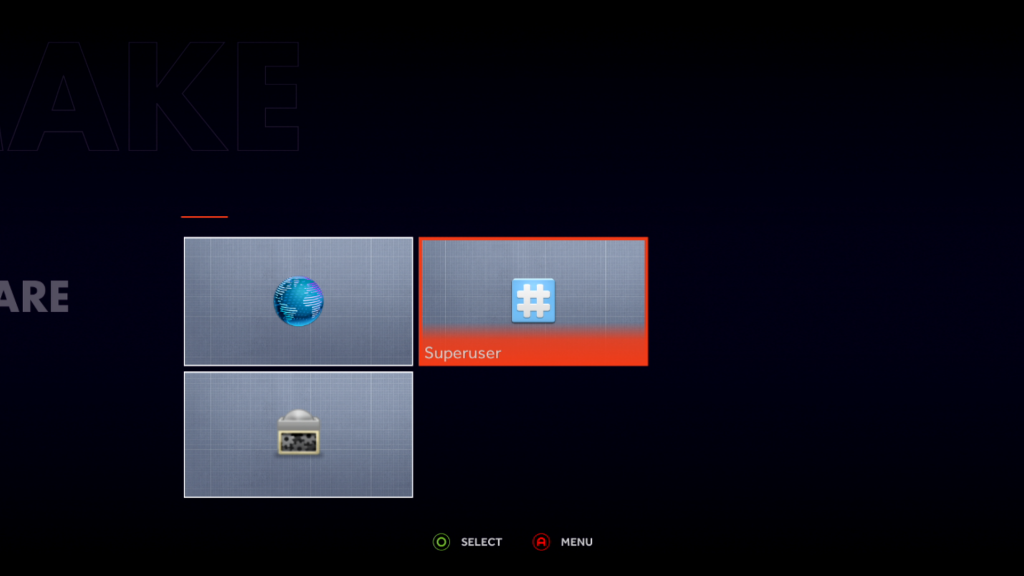
und nun noch in der Ouya unter Make > Software Busybox (nicht zwingend) und Superuser ausführen und sich updaten lassen
No comments yet